Your whole restaurant, in one system.
Cheflink connects your floor, kitchen and back office in one real-time dashboard: QR or waiter orders, reservations, kitchen screens, tabs, invoicing, inventory and reports, with no loose tools and nothing typed twice.

A service flow in three steps
Guests order however they like
They scan the table's QR and order from their phone, or the waiter takes it on theirs. Reservations land on the same floor plan.
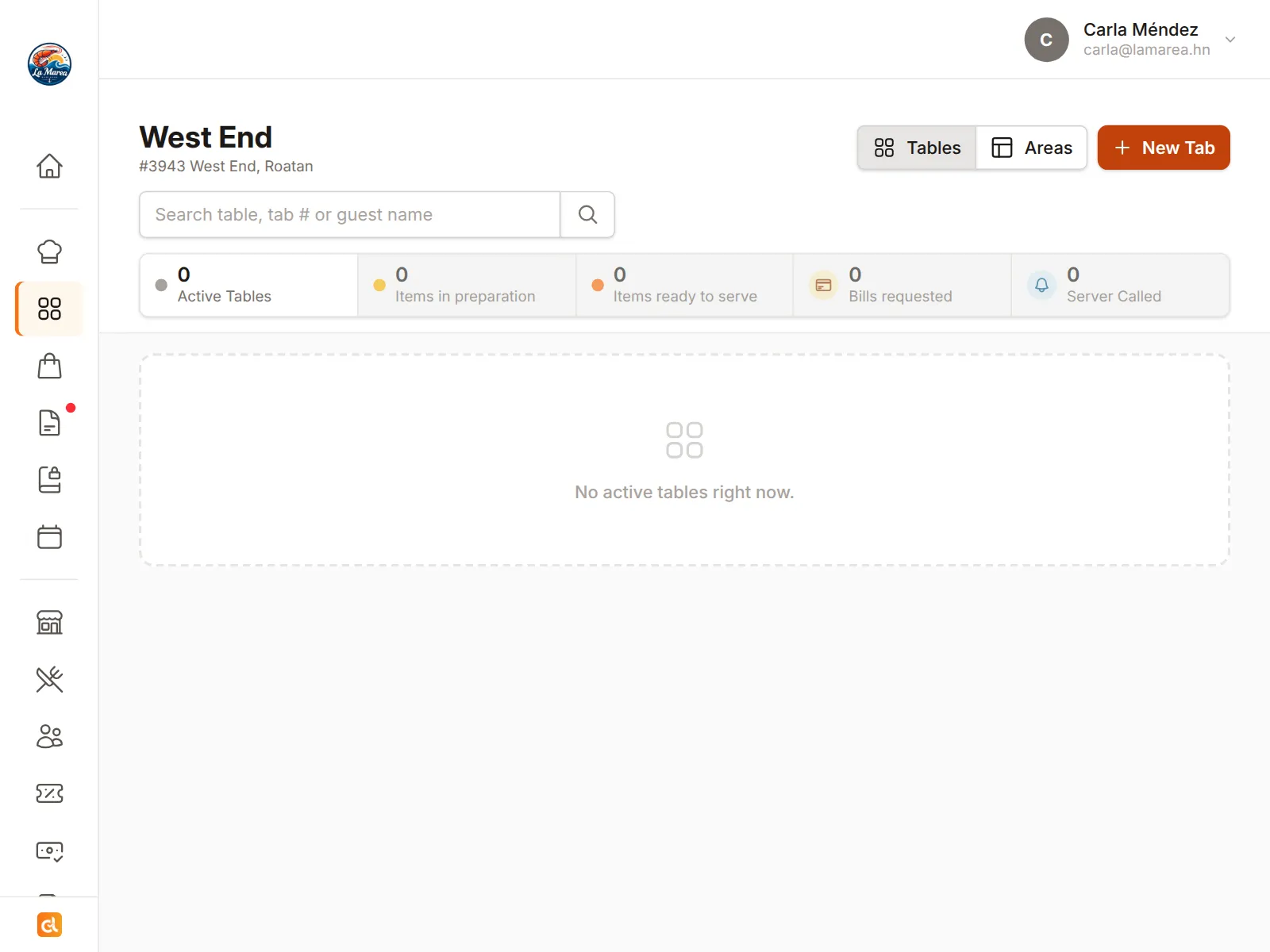
The kitchen sees it instantly
Every dish shows up on the kitchen screen with its status, and inventory counts itself down.
Get paid, invoice, close the day
The tab is paid from the table or at the register, goes out with an invoice, and sales and reports are ready without typing anything.
Everything you need in one place
A restaurant is three places that have to talk to each other: the floor, the kitchen and the office. Cheflink connects them in one system, and QR ordering is just one of the doors in.
Floor
- QR or waiter ordering Guests order from their phone with no app, or your team takes it on theirs.
- Table tabs and payments Discounts, service charges, and payment from the phone or at the register.
- Floor view Which table is waiting for what, and for how long, at a glance.
- Online reservations Guests book from your page and the floor already knows who is coming.
- Delivery orders From your own menu, with the guest's location and courier tracking.
- Loyalty program Reward your regulars and treat special customers. Points and perks are recorded on their own at every visit, so they keep coming back.
Kitchen
- Kitchen Display System Every ticket with its status, in real time, on any screen.
- Inventory Live stock, low-level alerts, and a menu that matches what you have.
- Recipes The ingredients behind each dish, so every sale deducts stock and shows the real cost and margin of each item.
- Modifier groups Sizes, extras and choices for each dish, required or optional, each with its own price, and the kitchen sees them on the ticket.
- Waste Log what is lost or thrown out, with a reason and its cost, and it comes off the stock on the spot.
- Warehouses Receive supplier deliveries into a central store and supply each venue through internal stock requests.
Back office
- Invoicing Tax-compliant invoices and receipts with taxes and service already applied.
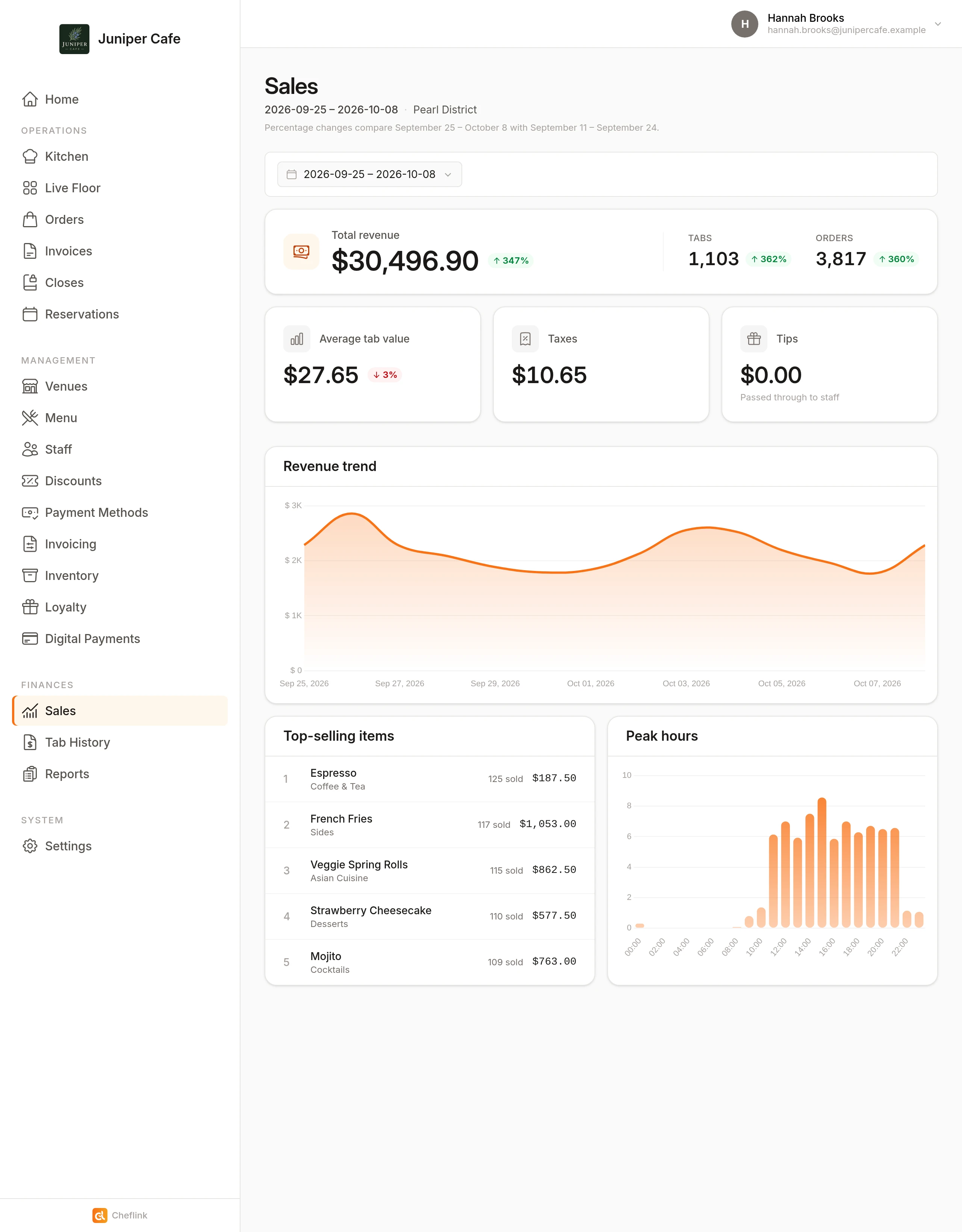
- Closures and reports X and Z reports, sales, best sellers, peak hours and per-table performance.
- Staff and permissions Roles for who takes orders, edits the menu or closes tabs.
- Multiple venues All your locations under one account.
See Cheflink in action
A look at what you and your team see every day.
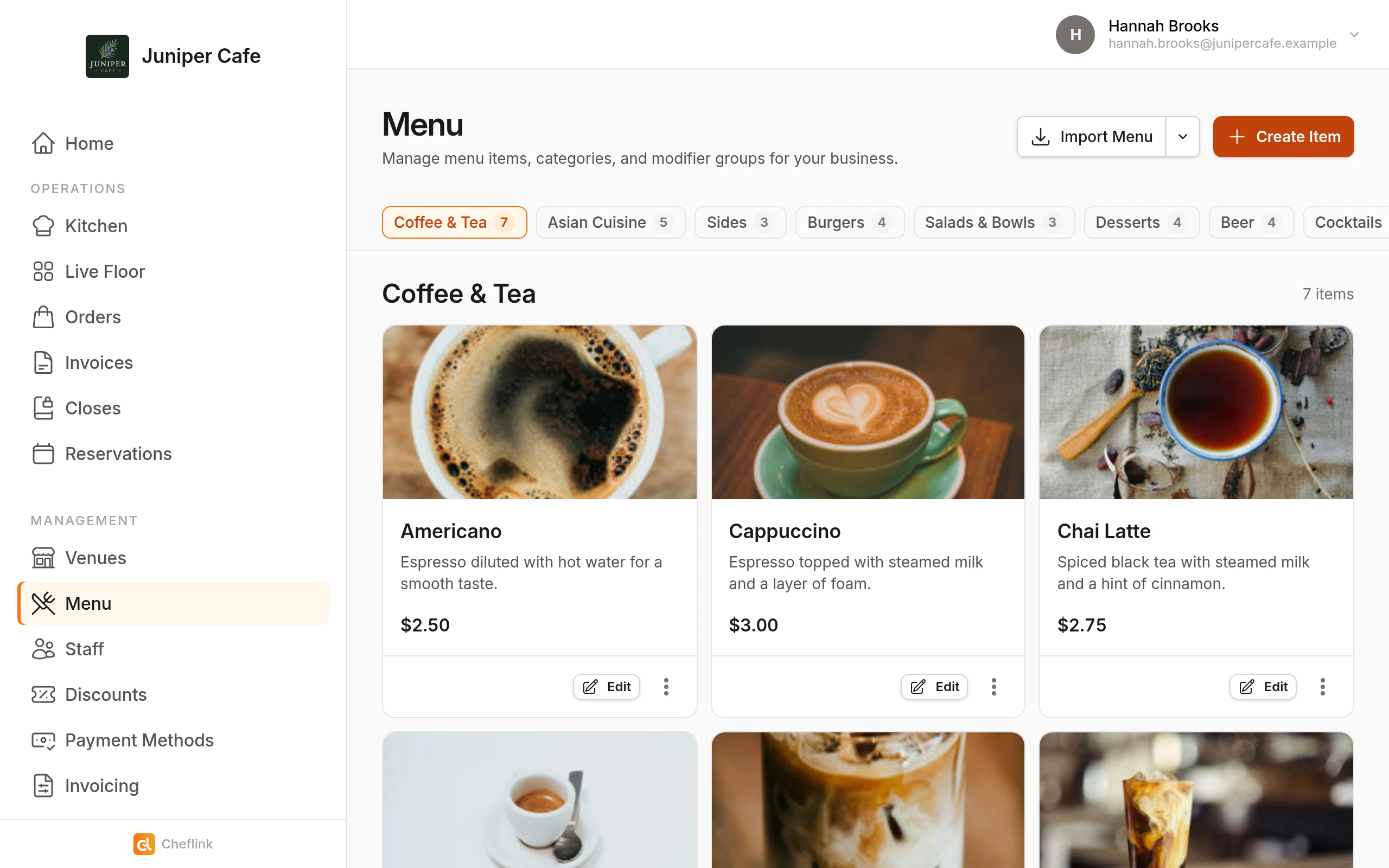
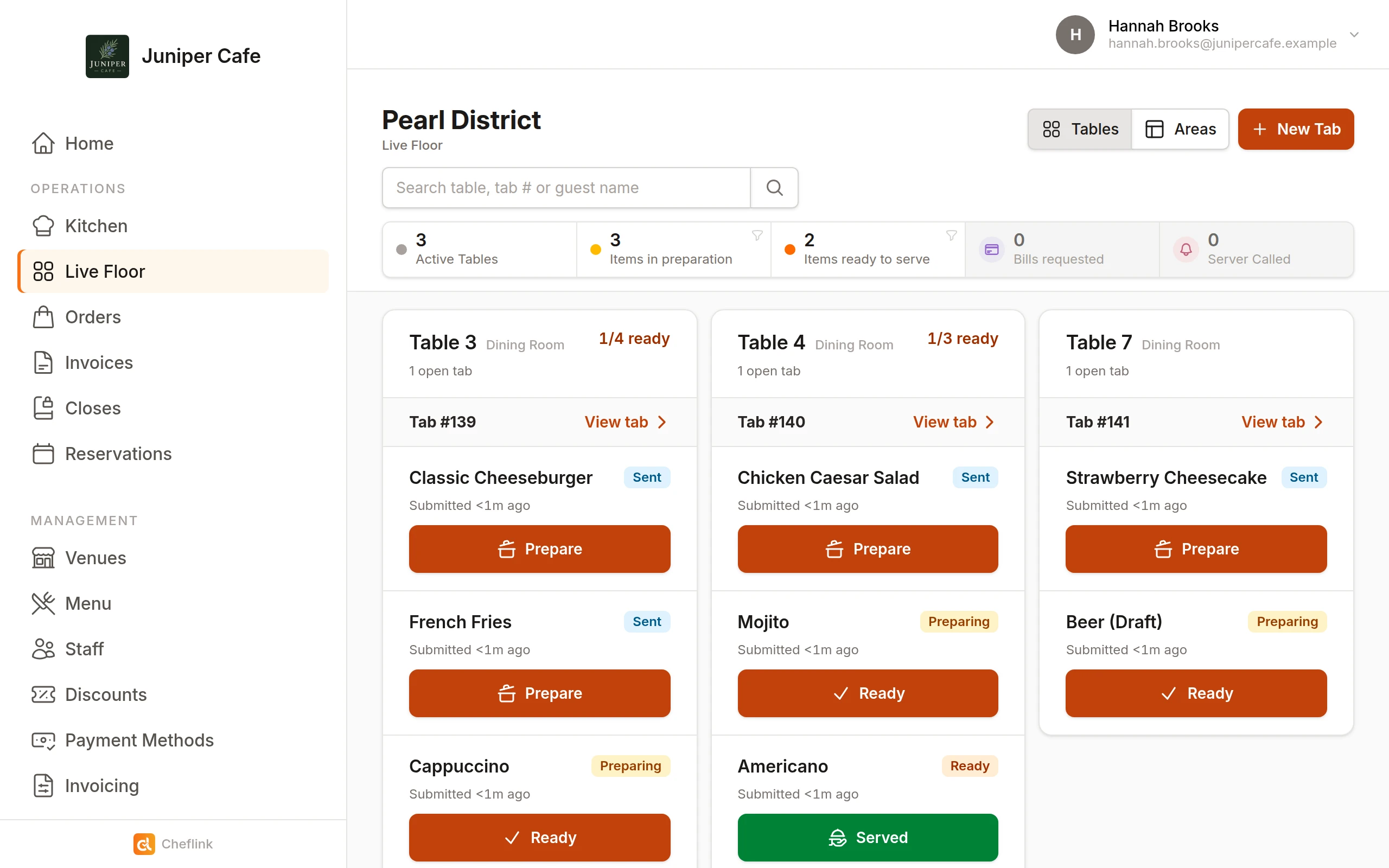
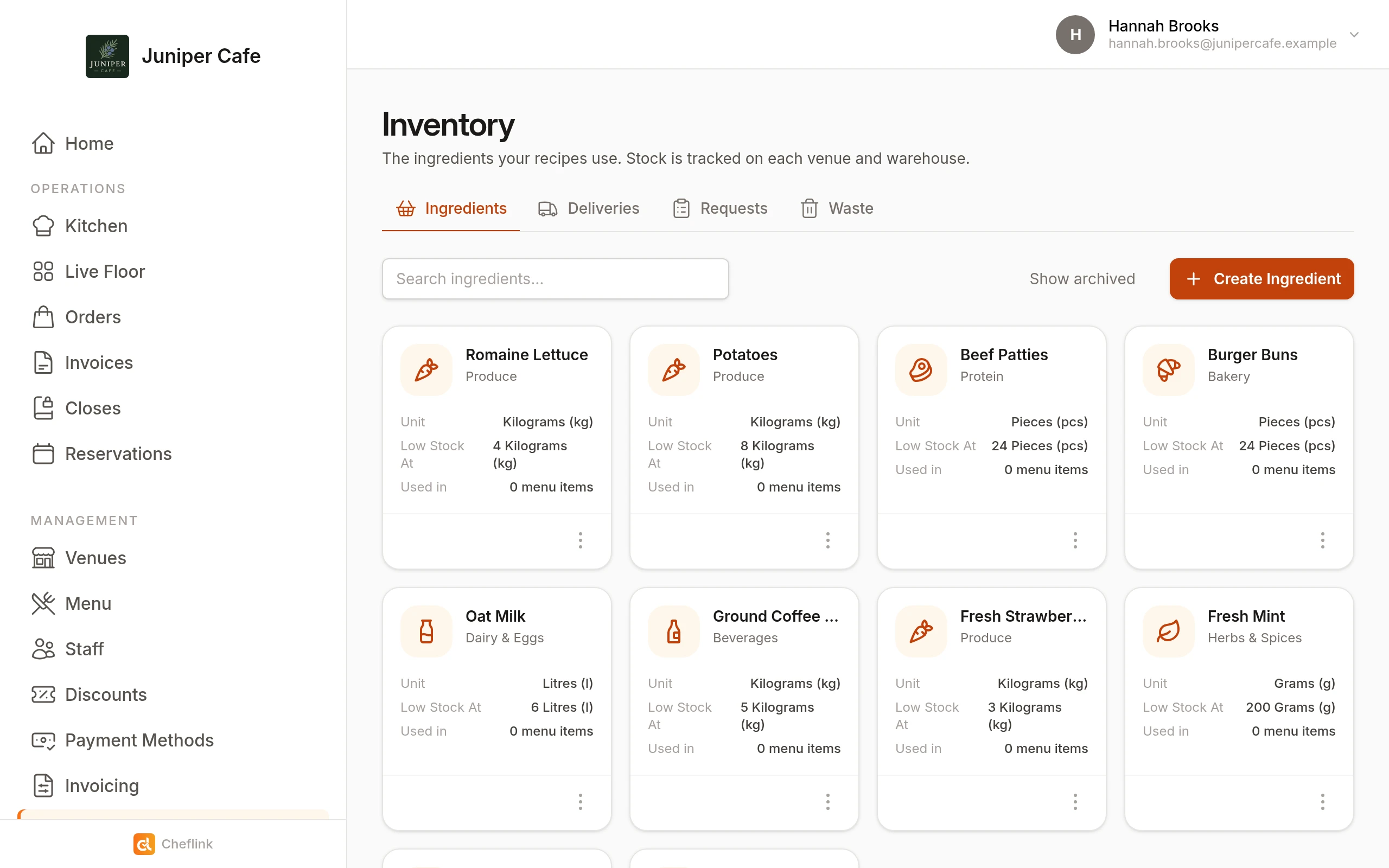
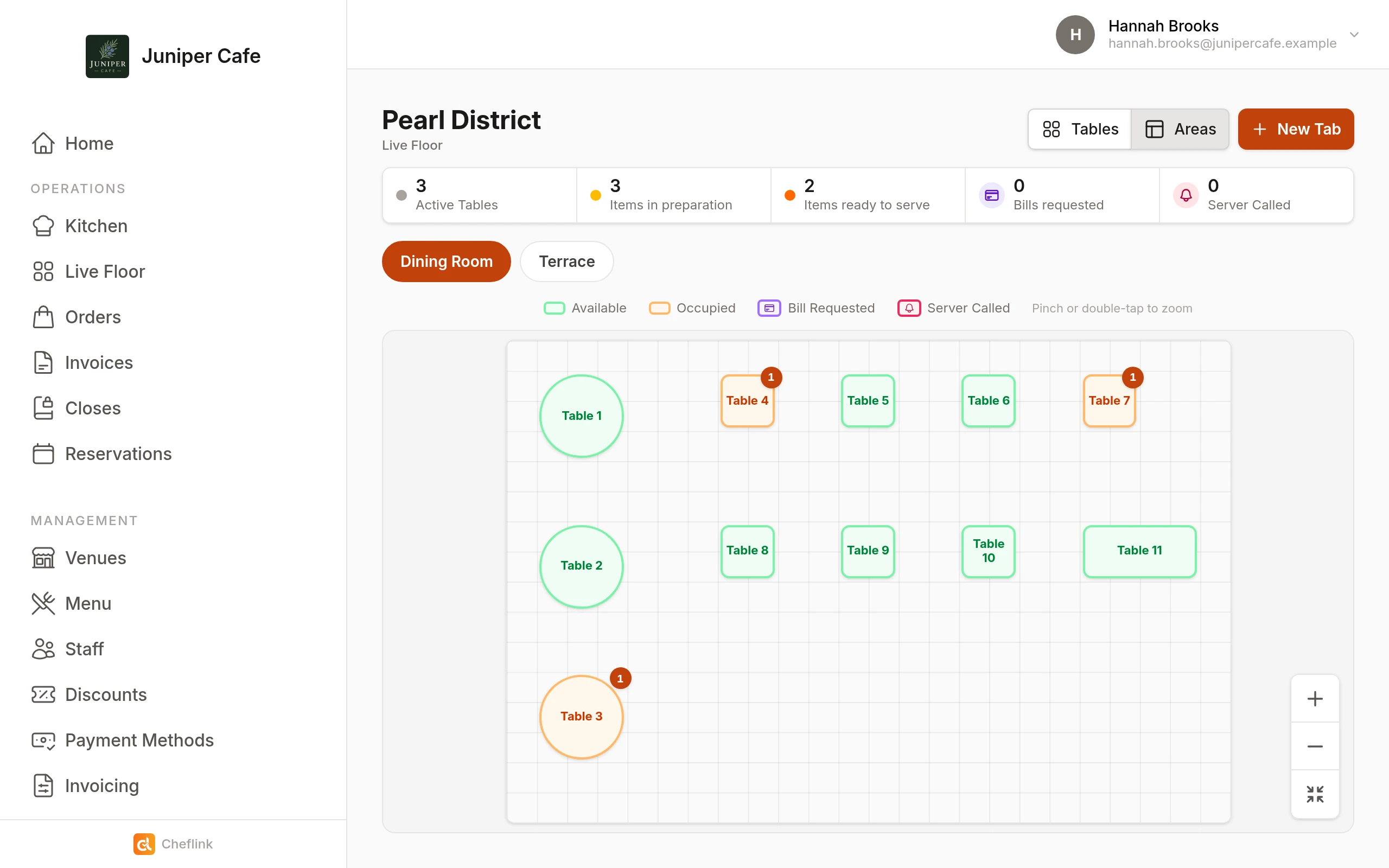
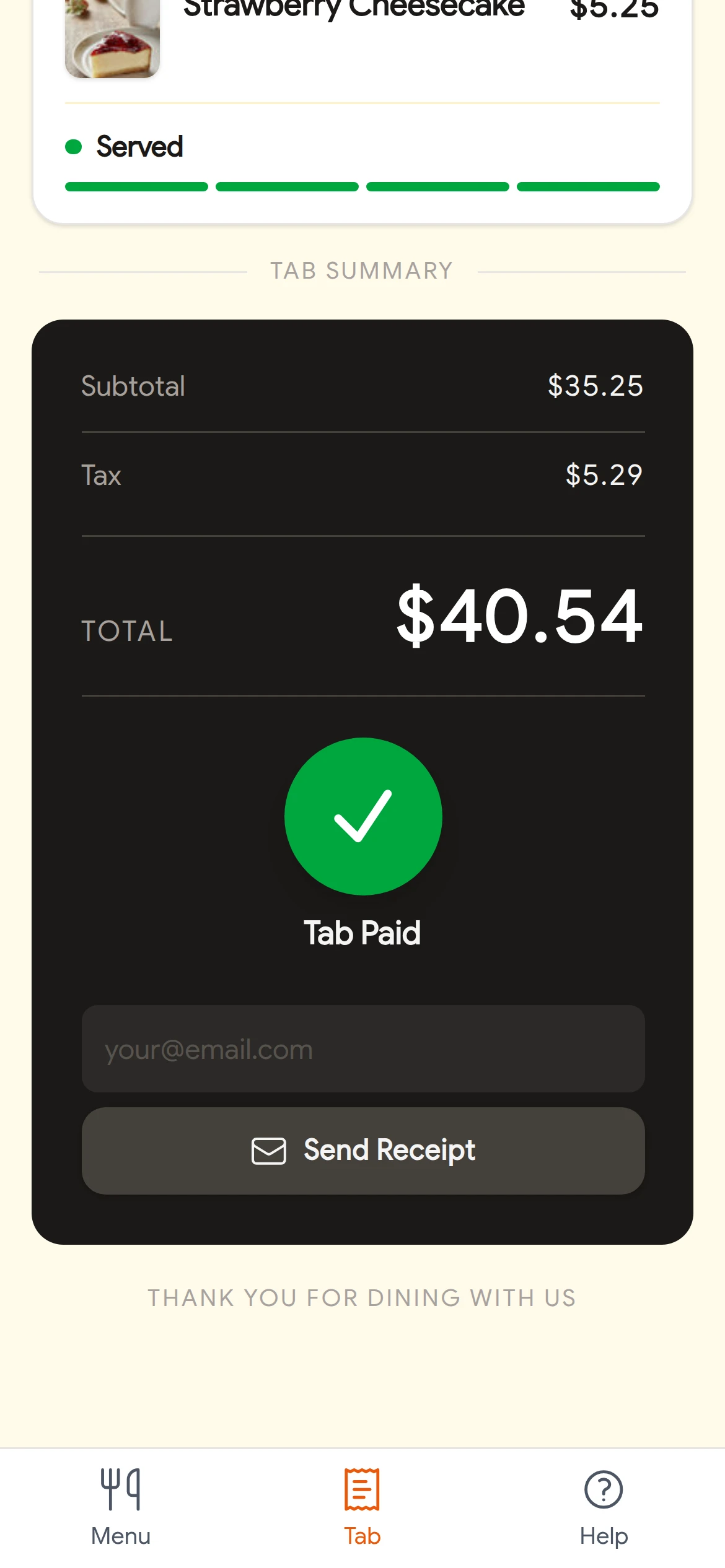
What your guests see
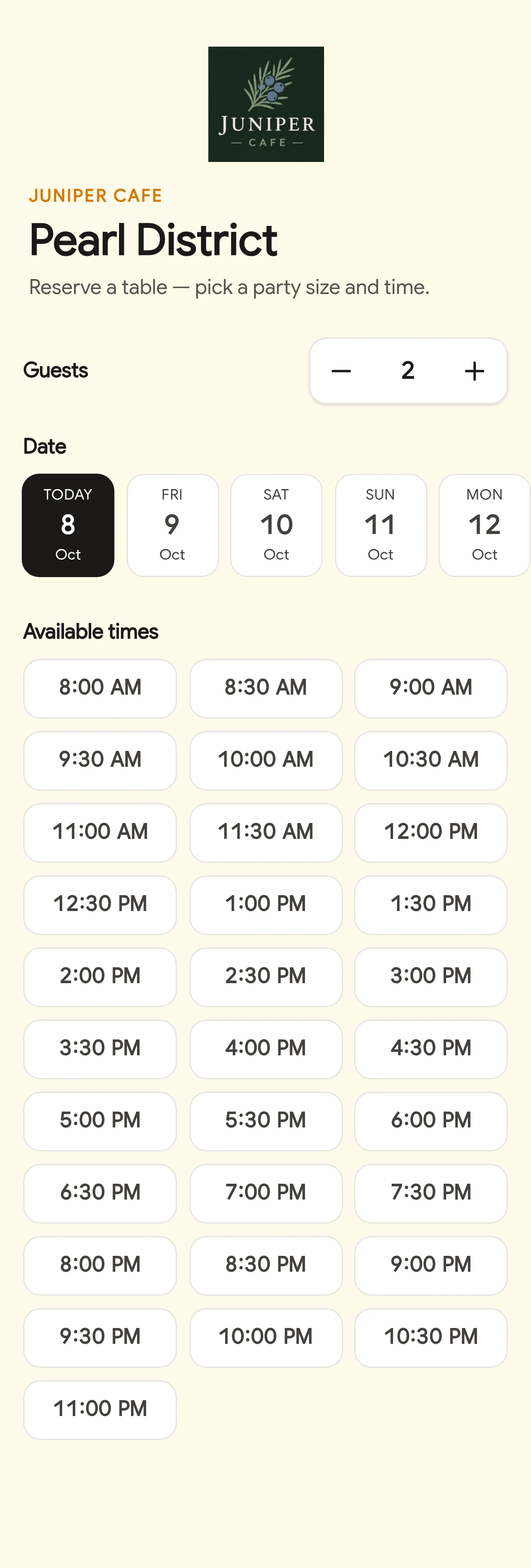
No downloads, no accounts. They scan the table's QR and within seconds they're browsing your menu, placing their order, and tracking its status, all from their phone's browser.
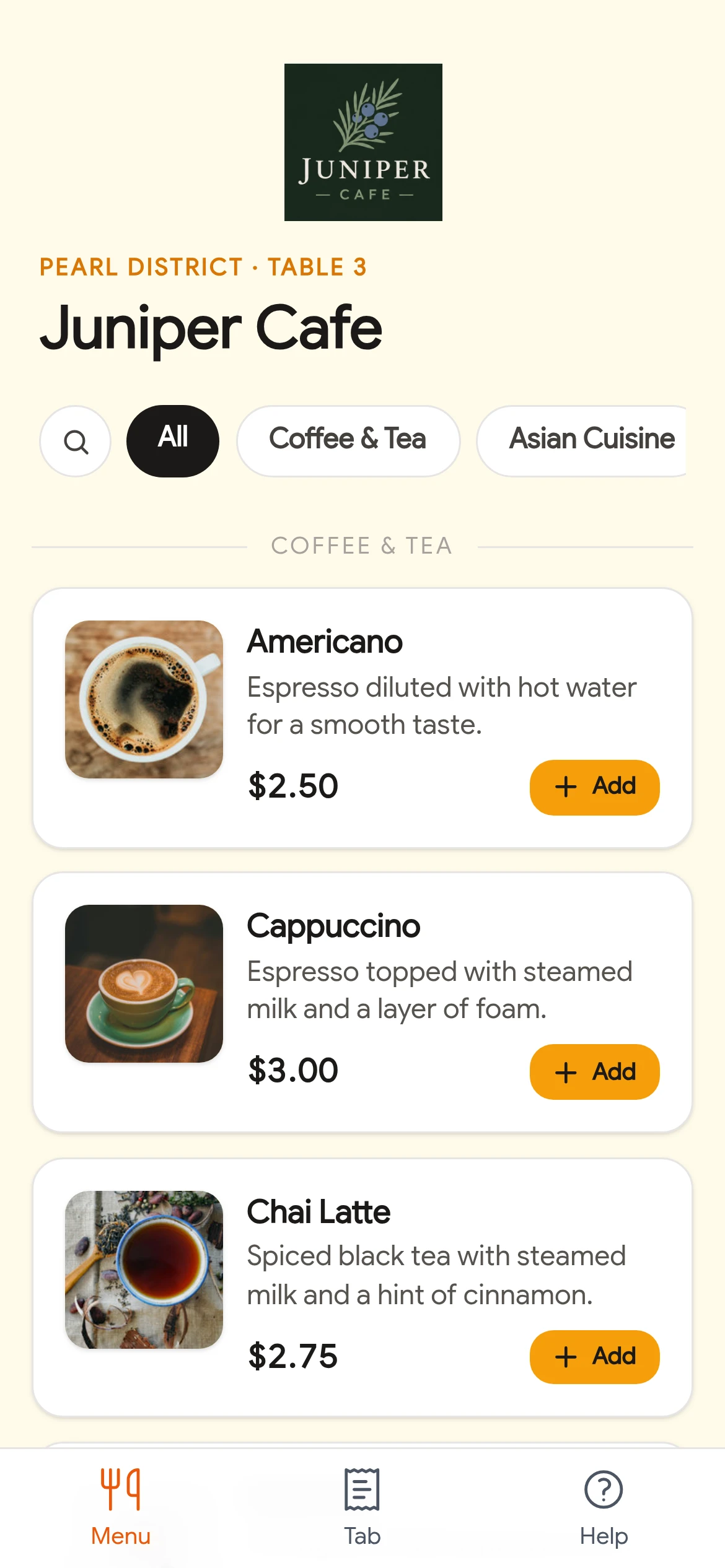
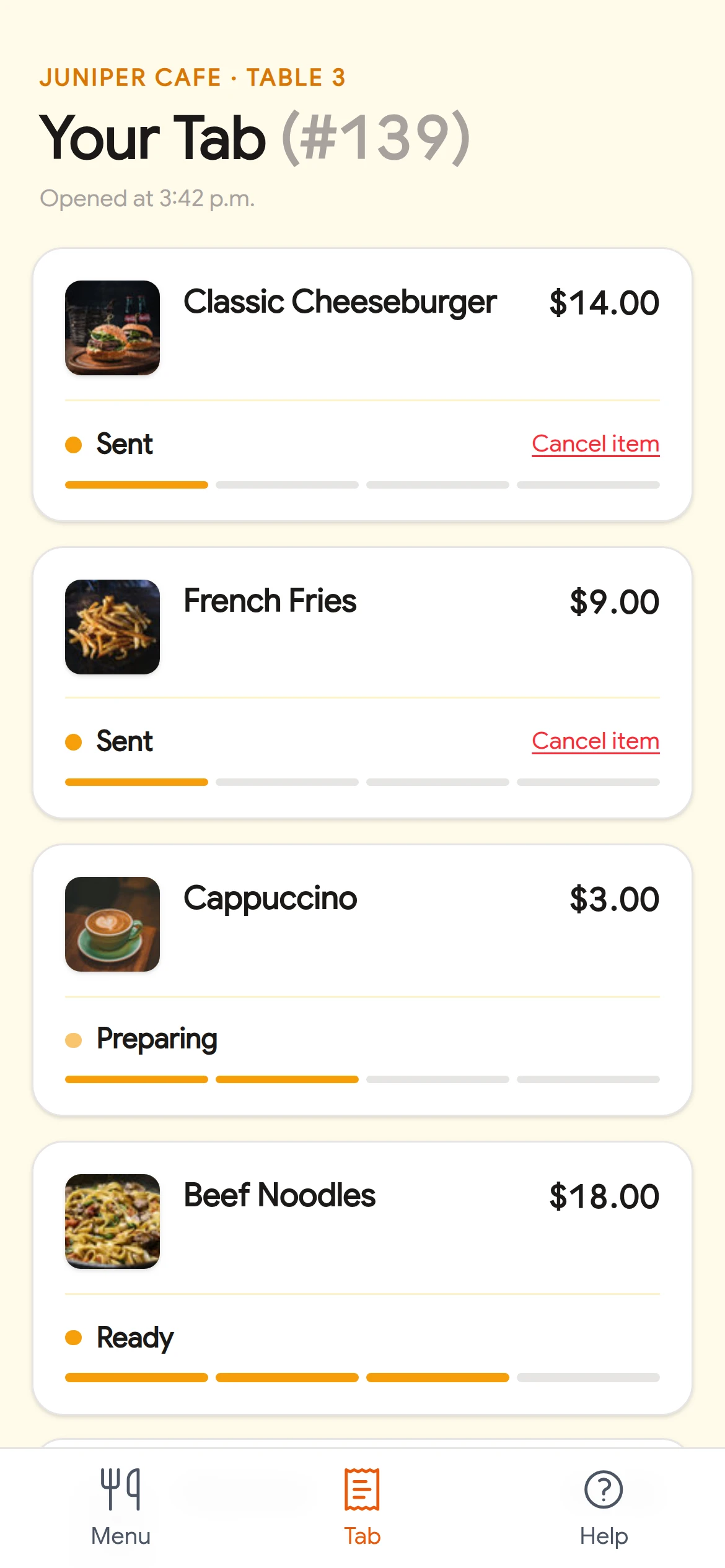
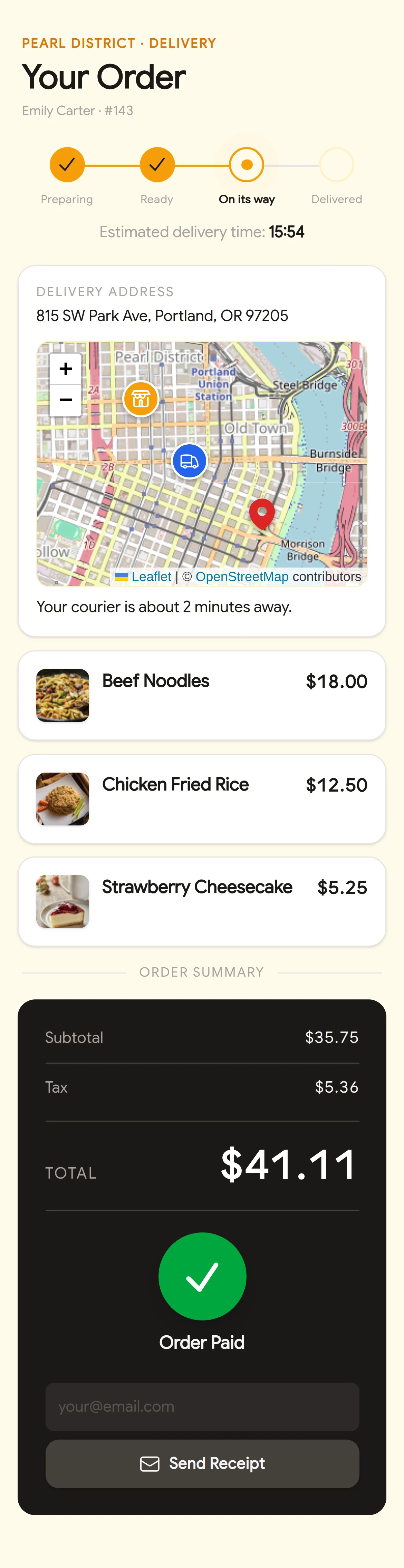
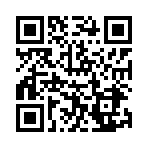
Scan and order like a real guest
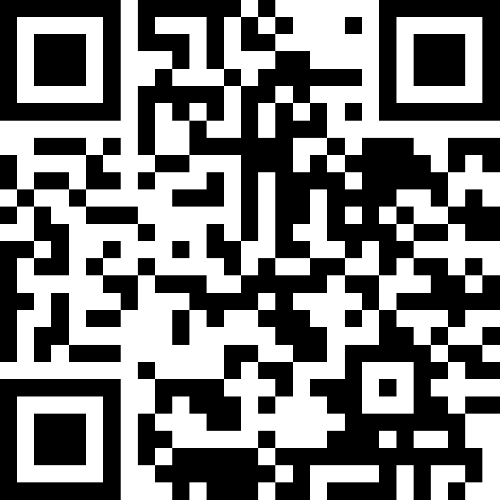
Point your phone's camera at the code to open our live demo menu, on a real table. No app, no sign-up.
Pricing that grows with you
Start free and move to any other plan when you want Cheflink on every table and location.
Starter
Ideal for trying it out.
- 1 venue with 1 table
- 1 user
- 10 menu items
- 5 orders per day
- Kitchen Display System (KDS)
Premium
Ideal for small and medium venues.
- 1 venue with unlimited tables
- Unlimited users
- Unlimited menu items
- Unlimited orders
- Kitchen Display System (KDS)
- Invoicing
- Closures
- Sales dashboard
- Reports
- Priority support
Diamond
Ideal for large operations.
- Unlimited venues with unlimited tables
- Digital payments
- Online orders
- Loyalty programs
- Inventory management
- Full onboarding
Frequently asked questions
A few quick answers. You can always write to us if you need more detail.
Do guests have to download an app?
No. They scan the table's QR code and Cheflink opens in the browser. From there they can browse the menu, place orders, and everything is linked to that table's tab.
Do guests always have to order by scanning the QR code?
No. Your servers can take and enter orders themselves in Cheflink, as they always have. Every tab and order, whether it came from the QR or from a server, follows the same flow: it reaches the kitchen, lands on the table's tab, and is charged the same way.
Can I use Cheflink across several locations?
Yes. On the Diamond plan you can run unlimited venues with unlimited tables.
Can each venue have a different menu?
Yes. You keep one main catalog with all your dishes, and each venue builds its own menu from it: it picks what it offers, with its own prices and availability, without re-entering anything.
Does Cheflink replace my POS?
You can run Cheflink alongside your current point-of-sale system, or connect a digital payments provider to charge guests directly from the system.
Do I need specific hardware?
No. Everyone on your staff can use Cheflink from any device: computers, tablets and smartphones.
Does Cheflink provide a delivery service?
No. Your business runs its own physical delivery operation. Cheflink provides the technology that connects you with your customers so they can place delivery orders online.
Do I need an internet connection?
Yes. Cheflink runs in the browser and keeps your floor, kitchen and back office in sync in real time, so every device needs to be online. Any regular Wi-Fi or mobile data connection works, with no special network setup.
Ready for every table to serve itself?
Book a quick demo and we'll show you around, or try the live demo menu right now.